
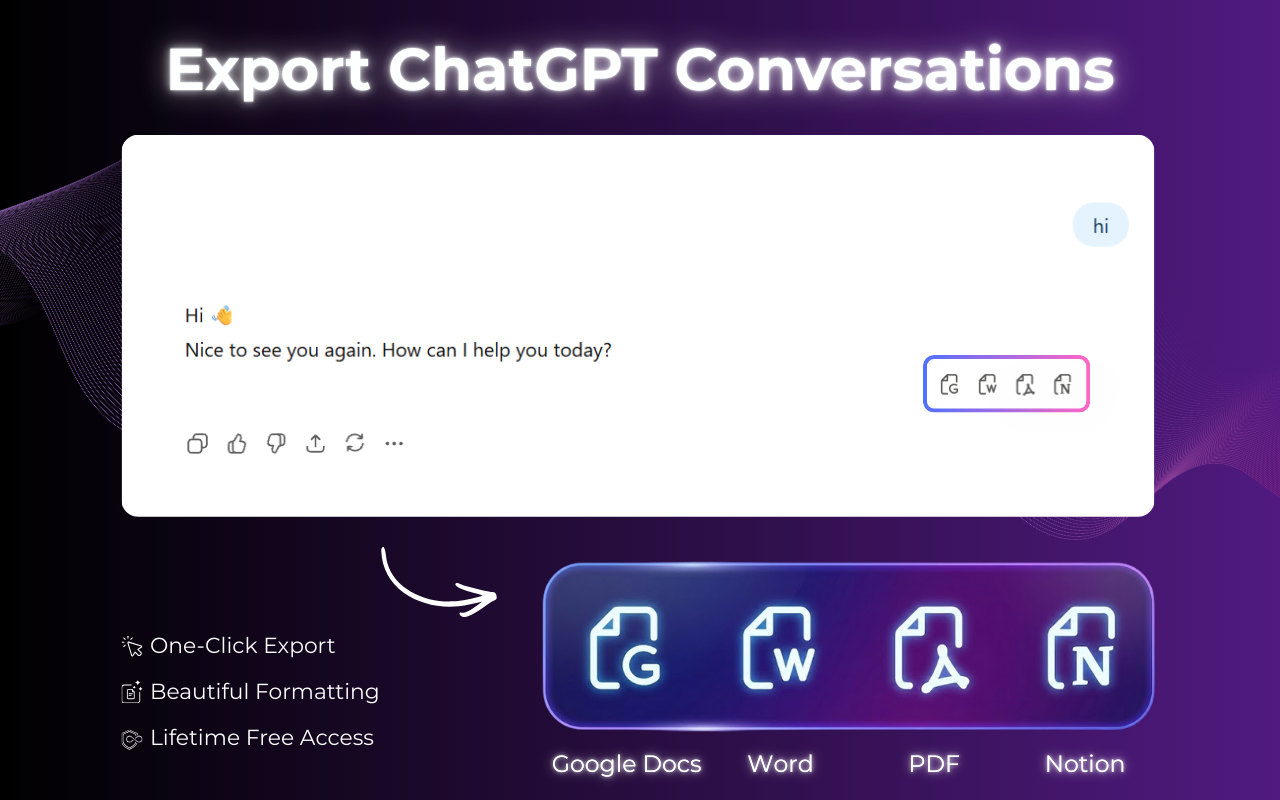
ChatGPT Exporter by Backrun.co is a powerful Chrome extension designed to streamline the process of saving ChatGPT conversations. It allows users to effortlessly export full chat threads or selected messages into popular document formats like PDF, Word, Google Docs, or Notion, preserving the original formatting and content structure. This SaaS is ideal for researchers, project managers, content creators, developers, and anyone who frequently uses ChatGPT and needs to archive, share, or integrate their AI interactions into their existing workflows and knowledge management systems.
Key Features
- One-Click Export: Save conversations quickly with a single click from the ChatGPT interface.
- Multiple Export Formats: Export to PDF, Microsoft Word (.docx), Google Docs, Notion, Markdown, and email.
- Content Preservation: Maintains headings, lists, tables, code blocks, LaTeX formulas, and images.
- Flexible Export Options: Choose to export the entire conversation or select specific messages/sections.
- Customization: Adjust font family, text size, and text color before exporting to match preferences or branding.
- Local Processing: Ensures privacy by processing all export operations directly in your browser without sending data to external servers.
Use Cases
ChatGPT Exporter is a game-changer for various scenarios. Researchers can easily archive detailed AI-generated notes and summaries for future reference, ensuring no valuable insights are lost. Project teams can document client discussions or AI-assisted brainstorming sessions, creating a clear record of decisions and ideas within their project management tools like Notion or Google Docs. Developers can save code examples, debugging steps, or technical explanations generated by ChatGPT, integrating them directly into their documentation or development notes without manual copy-pasting. This tool significantly reduces the manual effort involved in transferring AI-generated content, making workflows more efficient and organized.Pricing Information
ChatGPT Exporter operates on a freemium model. It is free to install and includes a generous free tier offering 5 full-conversation exports and 7 single-message exports per month. For users requiring more extensive usage, additional exports may necessitate a paid plan, providing flexibility for both casual and power users.User Experience and Support
The extension boasts a user-friendly interface, integrating seamlessly into the ChatGPT website with a floating export button and a browser toolbar icon. Users can easily customize document settings like fonts and colors before export, ensuring the output meets their aesthetic and readability preferences. The extension is regularly updated to maintain compatibility with ChatGPT website changes, and users can report issues via a dedicated support page, ensuring a reliable and continuously improving experience.Technical Details
ChatGPT Exporter functions as a Chrome extension, compatible with Chromium-based browsers like Chrome, Edge, and Brave. A key technical advantage is its commitment to user privacy: all export processing is handled locally within the user's browser. This means conversation content is never transmitted to an external server for processing, safeguarding sensitive information.Pros and Cons
Pros:- Fast and smooth export process.
- Preserves complex formatting (code, math, tables, images).
- Supports popular document and knowledge management tools.
- Offers flexible full or partial conversation exports.
- Ensures data privacy with local processing.
- Customizable output appearance.
- Limited free usage before requiring a paid plan.
- Minor improvements might still be desired by some users (as per a review).
- Requires a Chromium-based browser.
Conclusion
ChatGPT Exporter is an indispensable tool for anyone looking to efficiently manage and preserve their ChatGPT interactions. By offering seamless integration, diverse export formats, and robust content preservation, it transforms how users leverage AI-generated content. Install ChatGPT Exporter for Free today to streamline your workflow and keep your valuable conversations organized.Comments
Publisher

Launch Date2026-07-20
Platformweb
Pricingfreemium
Tech Stack
#web
Outbid
View🥇 🥈
🥈 🥉
🥉
Want this spot? Pay what you wantSubmit Your Startup to 100+ Directories | Submitator
Automated startup directory submission service. Get listed on Product Hunt, BetaList, Indie Hackers & 100+ directories for SEO backlinks and DR boost. From $29.
$40
Boost Your Domain Rating — DoFollow Backlinks (DR 30–70) from $30
Raise your Ahrefs Domain Rating with 5 - 50 dofollow backlinks from DR 30–60 sites — from $50, guaranteed to improve your DR or your money back.
$35
DirEasy - The Best Directory Boilerplate with AI | DirEasy
The best directory boilerplate, packed with AI, Listings, Payment, Submission, CMS, Blog, Authentication, Newsletter, SEO and more.
$30